
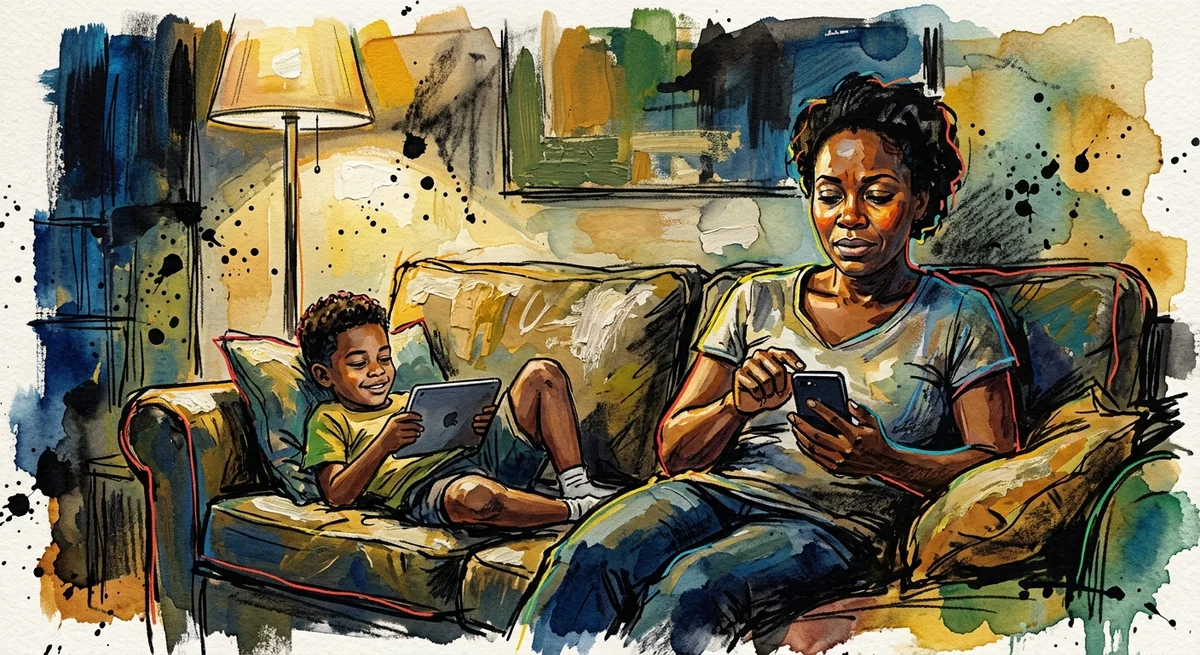
iOS 27 Time Allowances: A Calmer Way to Set Screen Limits
Apple rebuilt Screen Time at WWDC 2026, bringing category-level Time Allowances to family phones. How to set it up once and stop being the human timer.
Read More
screen time

Roblox rolled out age-tiered accounts this year, but the setting that actually keeps strangers out of your kids games is still the one most parents never touch. Here is the ninety-second check before you hand over the device.
Last month my son asked to play Roblox with two boys from his class, and I said yes without really looking at what I was agreeing to. Twenty minutes later I glanced at his screen and counted six avatars in that same game. Only two belonged to kids he actually knew. Nobody had done anything wrong. That gap, between saying yes and knowing who is actually standing next to your kid, is the real problem, and it is closable before you hand over the device, not after.
Most Roblox games run on public servers by default, which means the lobby your child joins is not a room full of friends. It is a room full of whoever else clicked join at the same moment, anywhere in the world, at whatever age the platform can verify, and for years that verification has not been very good. A username and an avatar do not tell you who is behind either one, and the chat window sits right there the whole time, waiting for someone to use it.
This year Roblox rolled out age-tiered accounts, sorting players into bands and using ID checks and facial age estimation to confirm which band a player actually belongs to. It is a real step, and it should make some of the worst impersonation harder to pull off. But a tier system tells Roblox roughly how old a player is. It does not tell you who is in your kid's specific lobby tonight, and it does not close a public server by itself. The setting that does that is still sitting in a privacy menu, off by default, waiting for someone to turn it on.
That is worth sitting with for a second before I get to the fix. Most of us treat gaming safety the way we treat a car seat: check it once when the child is small, feel satisfied it worked, and relax. Roblox does not hold still long enough for that approach to keep working. A game your kid played safely with two friends last spring can look completely different tonight if the server that loads happens to be public. Roblox is not unusually dangerous. What is risky is handing over a device, walking away, and assuming the default settings are doing more work than they actually are.
None of this requires becoming the parent who reads over your kid's shoulder for the whole session. It requires about ninety seconds before the device gets handed over, spent on settings that are usually left exactly as they came out of the box.
Roblox age tiers are a good thing, and they are not the thing that keeps a stranger out of tonight's game. That job still belongs to a few settings you can check in under two minutes, before the device leaves your hands rather than after something has already gone sideways. Do this once this week. Then make it part of the handoff every time after that.
Apple rebuilt Screen Time at WWDC 2026, bringing category-level Time Allowances to family phones. How to set it up once and stop being the human timer.
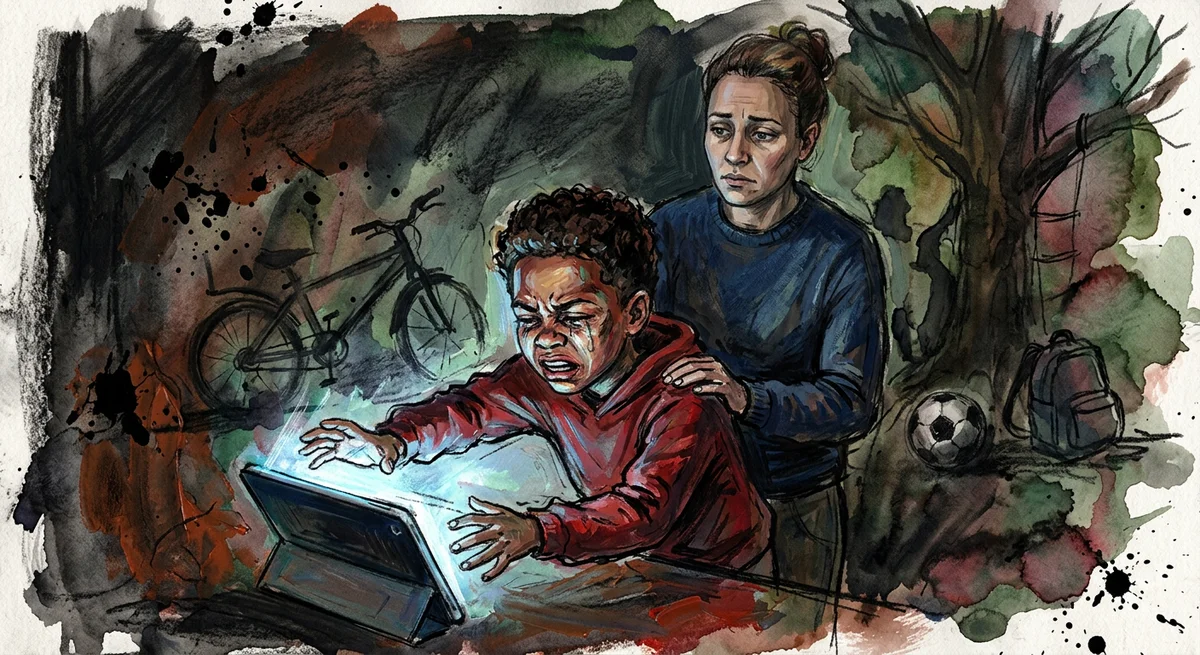
Screen rage is not a sign a child loves technology too much. It is a sign of a hijacked dopamine system, and the fix starts with understanding it.
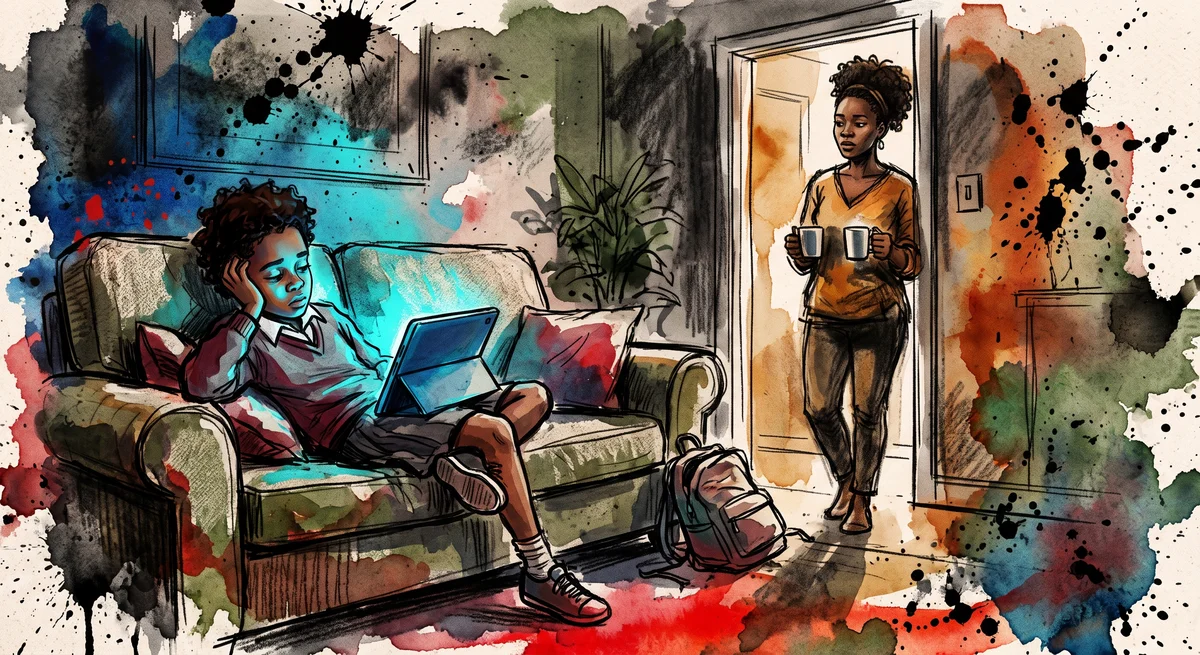
Two weeks into term and the tablet is on again before the shopping is put away. Why screen time climbs every September, and the swaps that survive a Tuesday.